
Security
Cara Reset PIN (Lupa PIN) di Aplikasi Reku
August 20, 2026
Reset PIN hanya bisa dilakukan di aplikasi Reku. Kalau kamu menekan Forgot PIN / Lupa PIN di web, yang muncul adalah pesan bahwa fitur ini hanya tersedia di aplikasi.
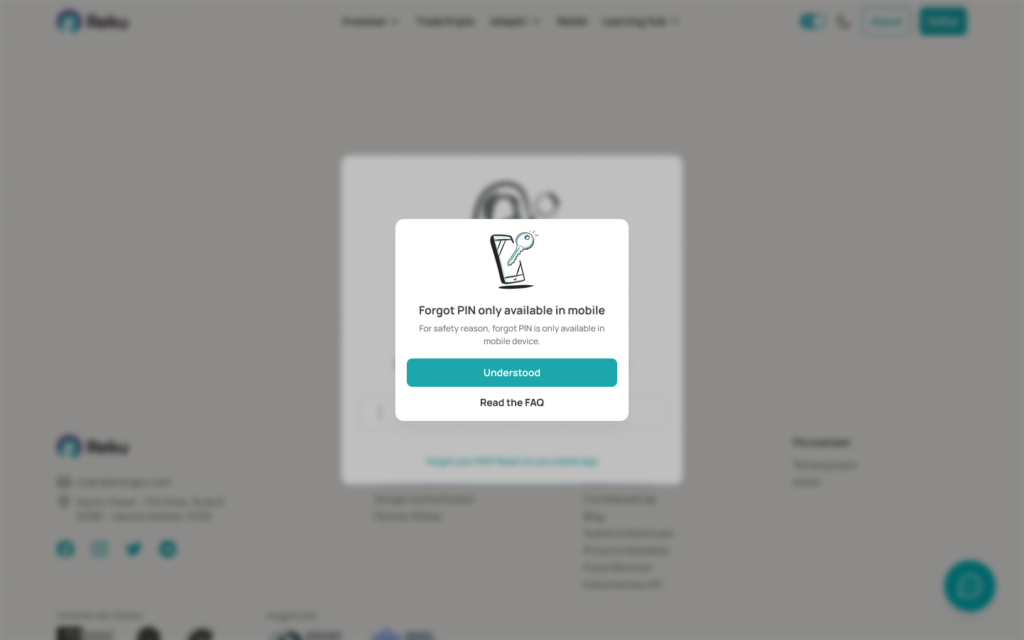
PIN baru langsung berlaku di web. Jangan bagikan PIN atau OTP kepada siapa pun, termasuk orang yang mengaku sebagai Customer Support Reku.
Ubah PIN = masih ingat PIN lama, tanpa OTP. Lupa PIN = reset: verifikasi OTP dulu, baru buat PIN baru. PIN tidak bisa dimatikan.
Cara reset PIN di aplikasi
1. Pilih Forgot PIN. Ada 2 pintu masuk.
Saat buka aplikasi Reku Mobile App
Layar Enter Your PIN muncul. Tap Forgot PIN di bawah keypad.
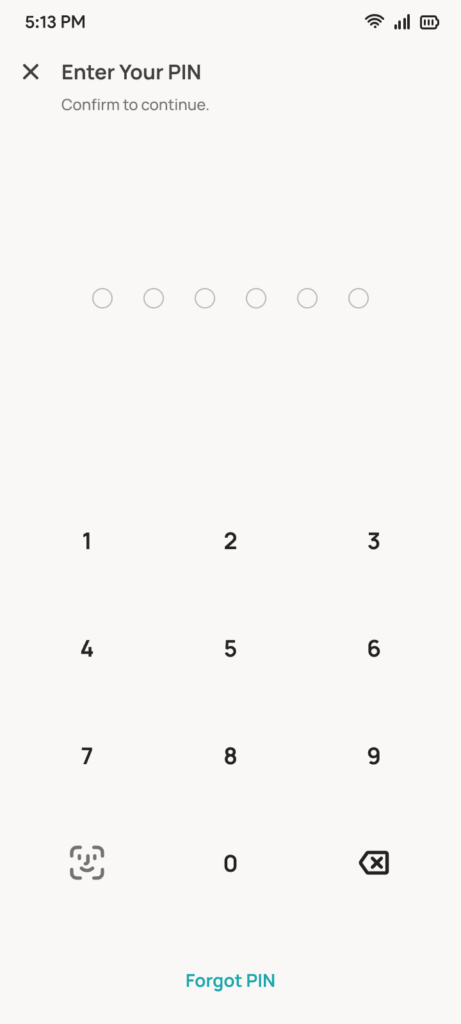
Saat buka app — Enter Your PIN, tap Forgot PIN
Kalau sudah login dan aplikasi sudah terbuka
Buka Settings → Security, lalu tap Forgot PIN.
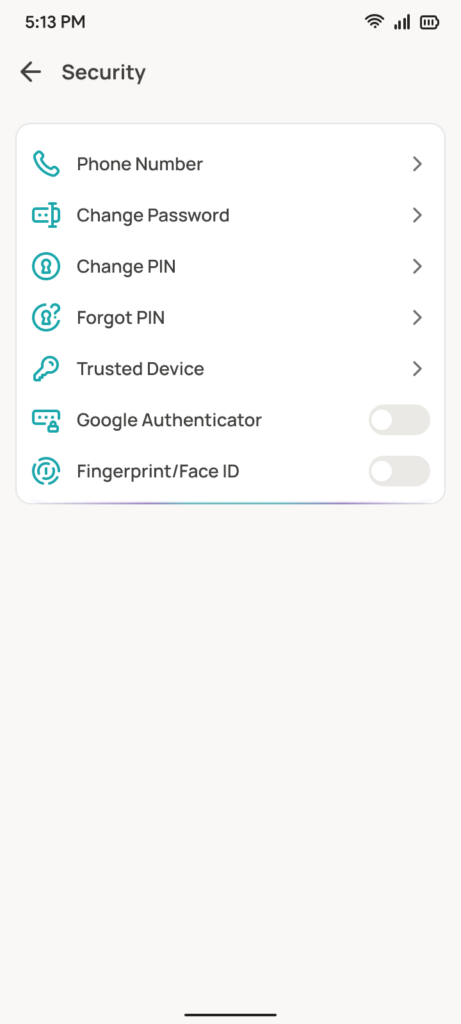
Settings → Security — tap Forgot PIN
2. Verifikasi OTP. Setelah tap Forgot PIN, aplikasi mengecek apakah nomor HP tersedia di akun.
- Nomor HP tersedia: OTP 2 lapis. Isi OTP email dulu, lalu OTP nomor HP.
- Nomor HP tidak tersedia: OTP email saja. Setelah email lolos, langsung ke langkah 3.
OTP email dikirim ke alamat terdaftar. Isi 6 digit. Kalau kode tidak masuk, tap Didn’t get the code? lalu Resend.
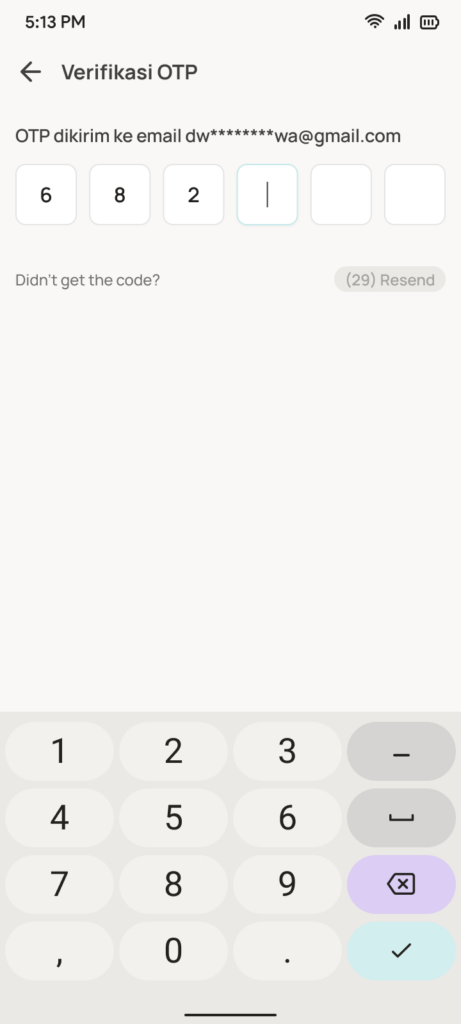
Verifikasi OTP email
Kalau nomor HP tersedia, lanjut isi OTP telepon. Default lewat WhatsApp. Tidak masuk? Tap Coba metode lain, pilih SMS.
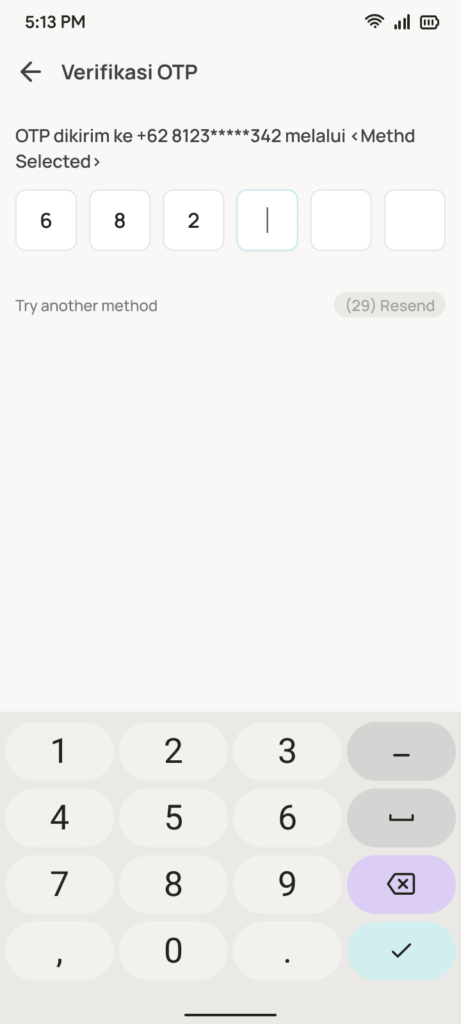
OTP telepon — hanya jika nomor HP tersedia

Ganti ke SMS
3. Setelah semua OTP lolos, buat PIN baru.
Baru di langkah ini layar Enter Your PIN muncul, dengan teks Choose a 6-digit PIN. Masukkan 6 digit, lalu ketik ulang untuk konfirmasi. PIN baru langsung aktif di aplikasi dan di web.
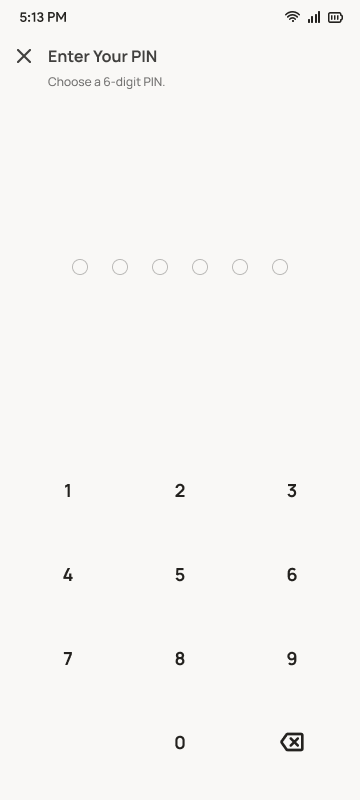
Enter Your PIN — Choose a 6-digit PIN
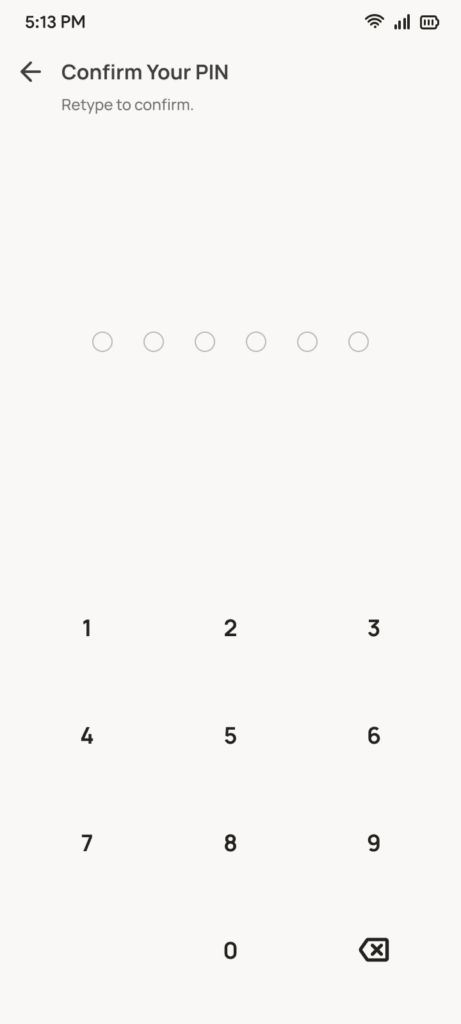
Konfirmasi PIN baru
Kalau masih ingat PIN — cara ubah
Tidak perlu OTP. Hanya di aplikasi. Ketik PIN lama dulu, baru PIN baru.
1. Buka Settings → Security, tap Change PIN.
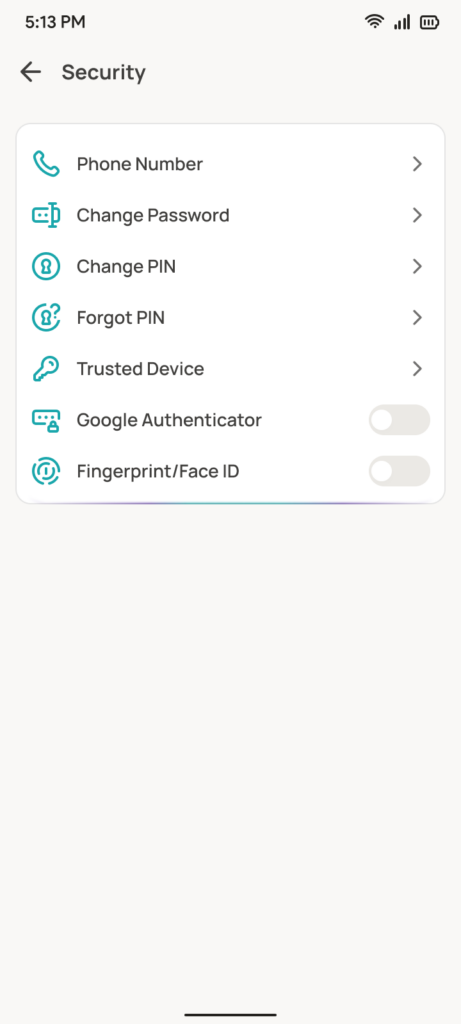
Settings → Security — tap Change PIN
2. Ketik PIN lama (current PIN).
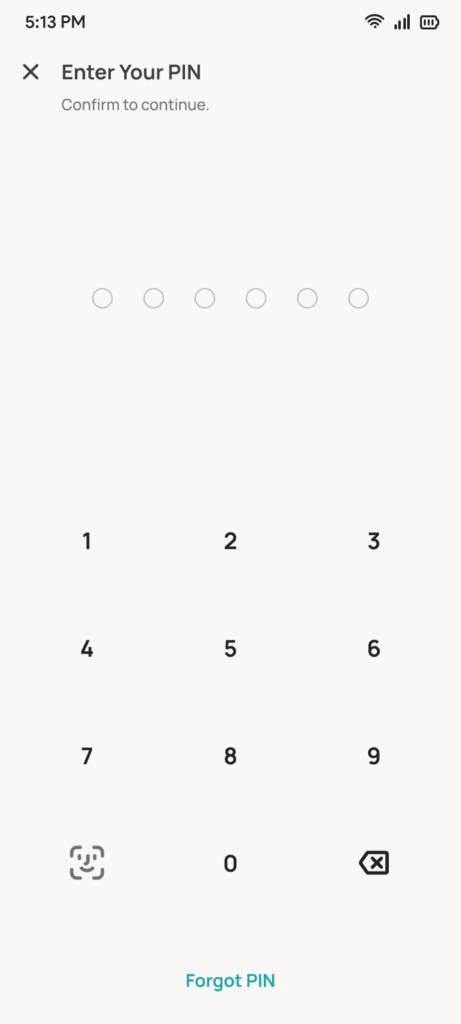
Current PIN
3. Buat PIN baru, lalu ketik ulang.
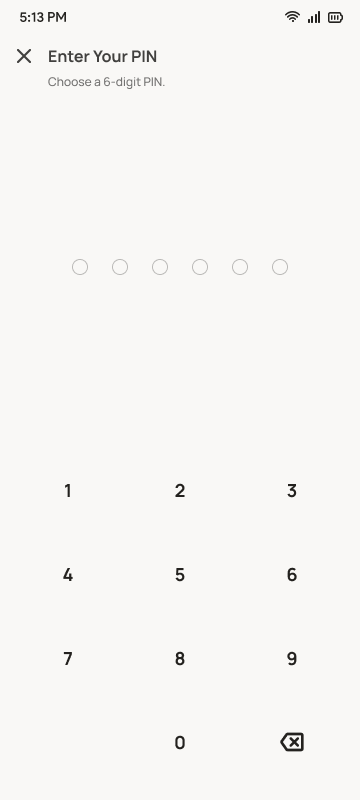
New PIN
4. Aplikasi menampilkan notifikasi PIN berhasil diubah.
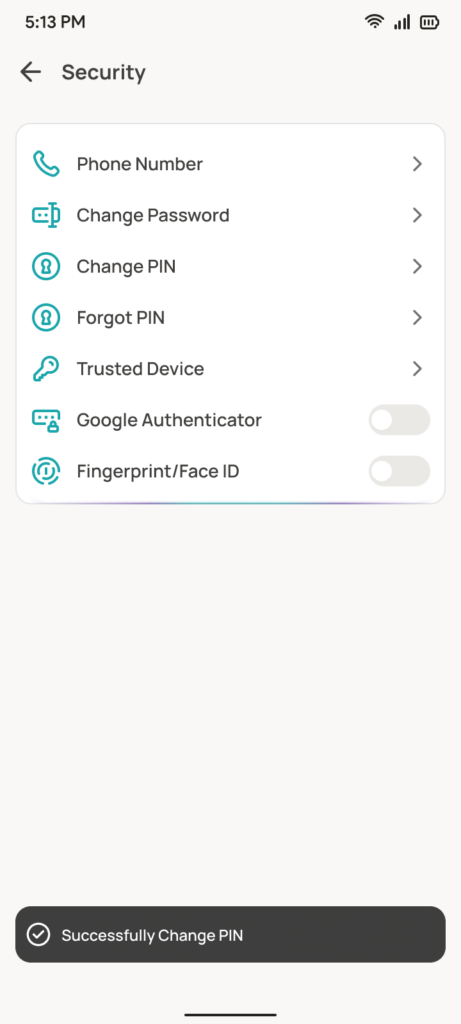
PIN berhasil diubah
Kalau 5 kali salah PIN
Akun terkunci 15 menit di aplikasi dan di web. Tunggu, atau reset lewat Forgot PIN di aplikasi. Reset yang berhasil menghapus kunci 15 menit.
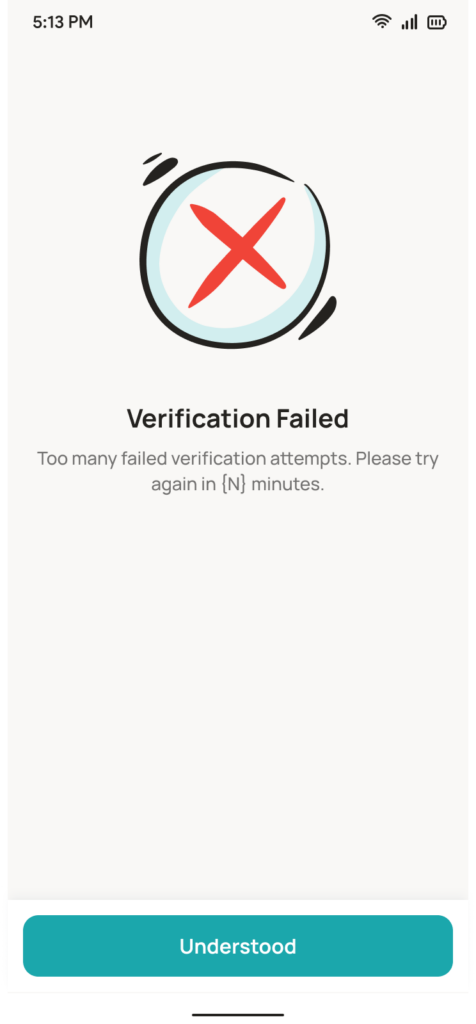
Akun terkunci 15 menit
Score your Financial Goals with Reku!
Download Reku to effortlessly manage your crypto and US stock investments, enjoying a seamless experience, all-inclusive features, and exciting rewards as you strive for financial freedom.
*Terms & condition apply
Scan this QR code to download the Reku application